
Most whistleblower software has the same fatal flaw, and it’s hiding in plain sight: it asks the wrong person to do too much work. Before an employee can report something serious — harassment, a safety issue, misconduct — they’re told to find an app store, download a corporate app, create an account, set a password, maybe verify an email. Each of those steps is a tiny off-ramp. And when someone is anxious, rushed, or scared about speaking up in the first place, every off-ramp is an excuse to abandon the whole thing.
That’s the heart of the matter. A reporting tool’s job is to capture concerns. A tool nobody finishes using captures nothing. So the real question isn’t “which platform has the most features” — it’s “which approach actually gets used the moment something happens.” On that question, QR code reporting and app-based reporting aren’t just two flavors of the same thing. They’re two different philosophies, and only one of them is built around how people actually behave.
The adoption problem nobody likes to talk about
Whistleblower software vendors love to talk about dashboards, integrations, and configurability. What they talk about less is the number that matters most: how many employees actually use the thing.
Here’s the uncomfortable reality. Most whistleblower software still requires an app download or a corporate login — and that is exactly why employees stop using it. It’s not that workers don’t care about reporting; it’s that the friction outweighs the impulse. The moment between “something just happened and I want to flag it” and “I’ve successfully submitted a report” is where tools win or lose. App-based tools stretch that moment across multiple screens and decisions. Most people don’t make it to the end.
This is the differentiator that reframes the entire category. The best reporting feature in the world is worthless if the reporting never starts. Adoption isn’t a nice-to-have metric sitting below the “real” features — it is the feature. Everything else is downstream of whether people use the tool at all.
How QR code reporting actually works
The QR-code approach starts from the opposite end: remove every barrier between the person and the report.
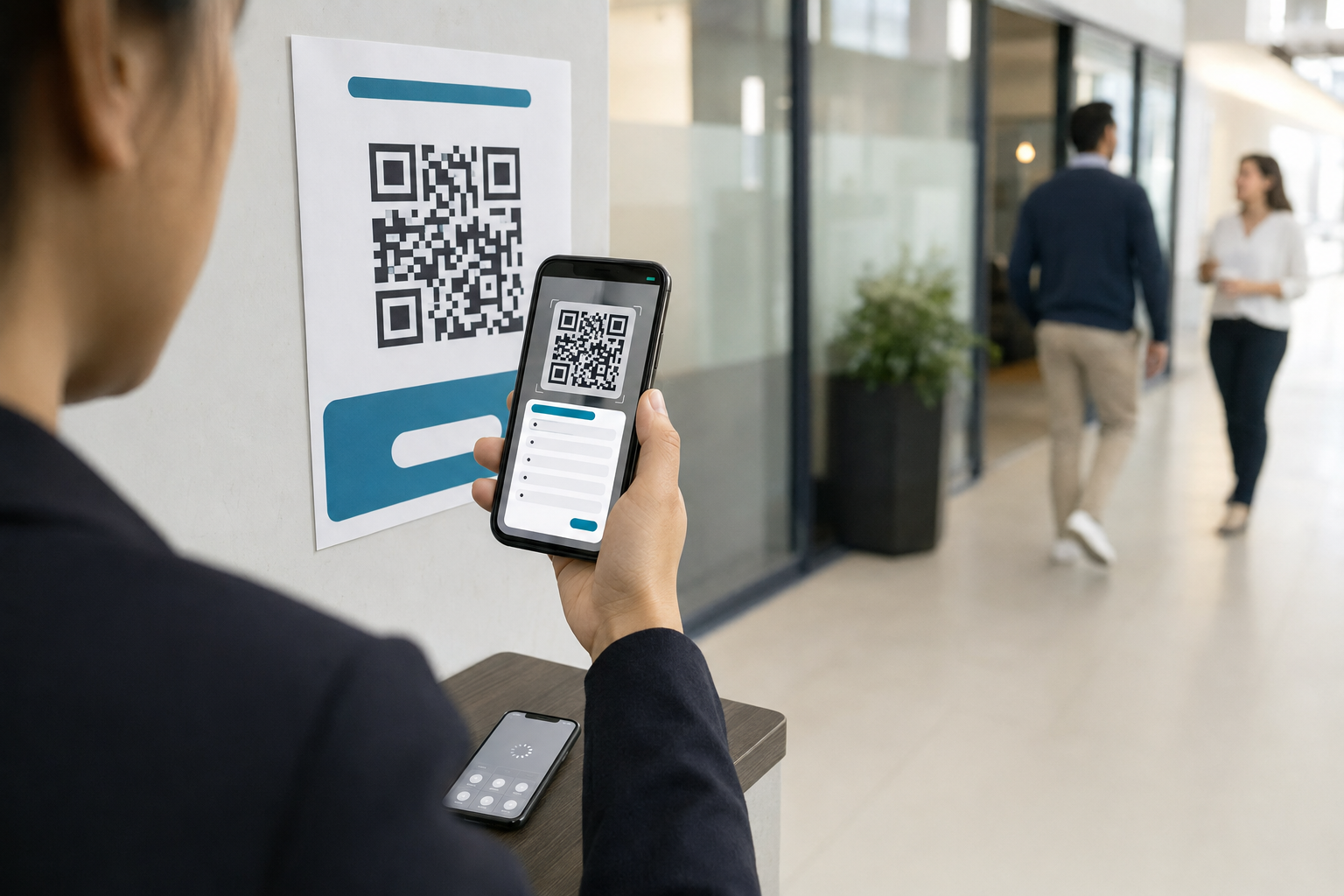
With a tool like SignalitUP, there’s no app to download and no account to create — just a QR code. An employer prints it and posts it where people work. When something happens, a worker scans the code from their own personal phone and submits a signal in under a minute. That’s the whole flow. No app store, no login, no password, no setup.
That single design choice is the reason the tool actually gets used. It collapses the anxious gap between intent and submission down to almost nothing: see the code, scan it, report. The person doesn’t have to plan ahead, doesn’t have to have installed anything in advance, and doesn’t have to create a digital relationship with their employer just to raise a concern.
Compare that to the app path. To use an app-based tool in the moment, the employee essentially needs to have done the work before the incident — found and installed the app, made an account, remembered it exists. In practice, most people haven’t. So when the moment comes, the tool that required preparation isn’t there, and the concern goes unreported.
Why “no app” matters more than it sounds
“No app needed” can read like a small convenience. It isn’t. It’s the linchpin that makes everything else about a reporting tool work. Walk through what it unlocks.
It meets people in the moment. Concerns are time-sensitive. The willingness to report can fade fast — by tomorrow, the employee may have talked themselves out of it. A QR code posted on the wall is available the instant the impulse strikes, with nothing standing in the way.
It uses the device people already have. Workers won’t install another corporate app on their personal phone, especially for something as sensitive as reporting their employer. QR-code access sidesteps that entirely — they use the phone and the camera they already have, with nothing new to add.
It removes the “I’ll do it later” trap. Anything that can’t be finished in one sitting tends not to get finished. Submitting a signal in under a minute means there’s no “later” to procrastinate into.
It lowers the stakes of starting. Downloading an employer’s app can feel like a commitment, even a traceable one. Scanning an anonymous QR code feels light and low-risk by comparison — which is exactly the feeling you want when the goal is to get people to speak up.
The throughline: the absence of an app isn’t a missing feature. It’s the thing that makes the tool usable at the only moment that counts.
Anonymity: easier to deliver without an app
There’s a second reason the app model works against itself, and it’s about trust.
People won’t report if they fear being identified or facing retaliation. Apps and accounts cut against that instinct — an account is, by nature, tied to you. Even when a vendor promises confidentiality, the mere existence of a login can make an employee wonder who can see what.
The QR-and-no-account model is structurally better suited to genuine anonymity. With SignalitUP, there are no phone numbers and no email addresses collected, and no personally identifying information gathered by default. And anonymity doesn’t mean you lose the ability to follow up: two-way anonymous chat lets whoever handles the report ask questions and get answers without ever exposing the reporter.
That combination — nothing to identify you, but still a real conversation — is what makes people comfortable enough to come forward. And the payoff compounds: when people feel safe, reporting increases and blind spots disappear. A tool that people trust enough to use surfaces the problems a tool they avoid never will.
“But aren’t apps more secure?”
It’s a fair question, and worth answering head-on rather than dodging.
Security and anonymity aren’t the same thing, and an app isn’t a prerequisite for either. What actually matters is how the data is protected and how little identifying information is collected in the first place. On that front, SignalitUP keeps data hosted in Canada, encrypted in transit and at rest, with tamper-evident audit logs, and collects no PII by default.
In fact, collecting less information is its own form of protection. A tool that never gathers your name, phone number, or email has far less sensitive data to safeguard than one built around user accounts. Minimizing what’s collected isn’t a security weakness — it’s a security feature, and it’s one the no-account model delivers naturally.
What you don’t give up by skipping the app
Sometimes the worry is that going app-free means going bare-bones — that you trade away the management capabilities a serious organization needs. You don’t.
On the back end, the QR-code workflow still gives leadership what it needs to act. Every reported issue is kept in a single, reliable record — nothing lost, ignored, or undocumented — with real-time alerts and the clean documentation that helps protect the organization when claims arise. The frictionless front door doesn’t come at the cost of a capable back office. Employees get the simplest possible way to report; leadership gets centralized tracking, alerts, and a documented trail. The QR code simplifies the employee’s experience without stripping anything from the people managing the reports.
And it stands up fast. There’s no major IT project required — sign up, print the QR codes, and post them. For most organizations, that’s the entire rollout.
Want to see the employee-side flow? Book a short walkthrough.
Why app-first vendors struggle to make this argument
Here’s the part that makes this more than a feature comparison. A vendor whose entire product is an app cannot easily make this argument in good faith. Their business depends on you downloading their app, so they’re not positioned to tell you that the download is the very thing suppressing your reporting rates. The conflict is structural.
That’s why QR-code reporting is better understood as a category choice than a feature toggle. It reflects a different answer to a foundational question: should the burden of reporting sit on the employee, or should the tool remove that burden entirely? App-based tools, by design, put the burden on the employee. The QR approach takes it away. You can’t split the difference, and you can’t sell apps while admitting apps are the problem.
The bottom line
When you strip it back, choosing a whistleblower tool comes down to one question: will your people actually use it when it matters? Features, dashboards, and integrations are all downstream of that. If the reporting never starts, none of the rest exists.
App-based tools ask employees to prepare in advance, install software, and create accounts — and most won’t, which is precisely why those tools fall quiet. QR code reporting flips the model: no app, no account, just a code on the wall that turns intent into a submitted report in under a minute, anonymously, on the phone people already carry. That’s not a smaller version of whistleblower software. It’s a better-aimed one.