
If you’re a principal, board administrator, or superintendent reading this, you’re probably somewhere in a familiar cycle: it’s spring, fall budgets are being shaped, and somewhere on your list is the question of how students and staff report bullying, harassment, and safety concerns. Maybe an incident exposed a gap. Maybe your insurer or board asked about documentation. Maybe you just know that the current “tell a teacher” approach leaves too much unsaid.
Whatever brought you here, choosing anonymous reporting software for a school is a different exercise than buying it for a corporate office. The users are students. The stakes involve minors. The accountability runs up to a school board, and the documentation expectations come from insurers, regulators, and parents at once. This guide lays out what actually matters when evaluating these tools, the questions to ask any vendor, and where a platform like SignalitUP fits.
Why Schools Are a Special Case
Start with the obvious: the primary reporter is often a student, and students behave nothing like corporate employees when it comes to reporting.
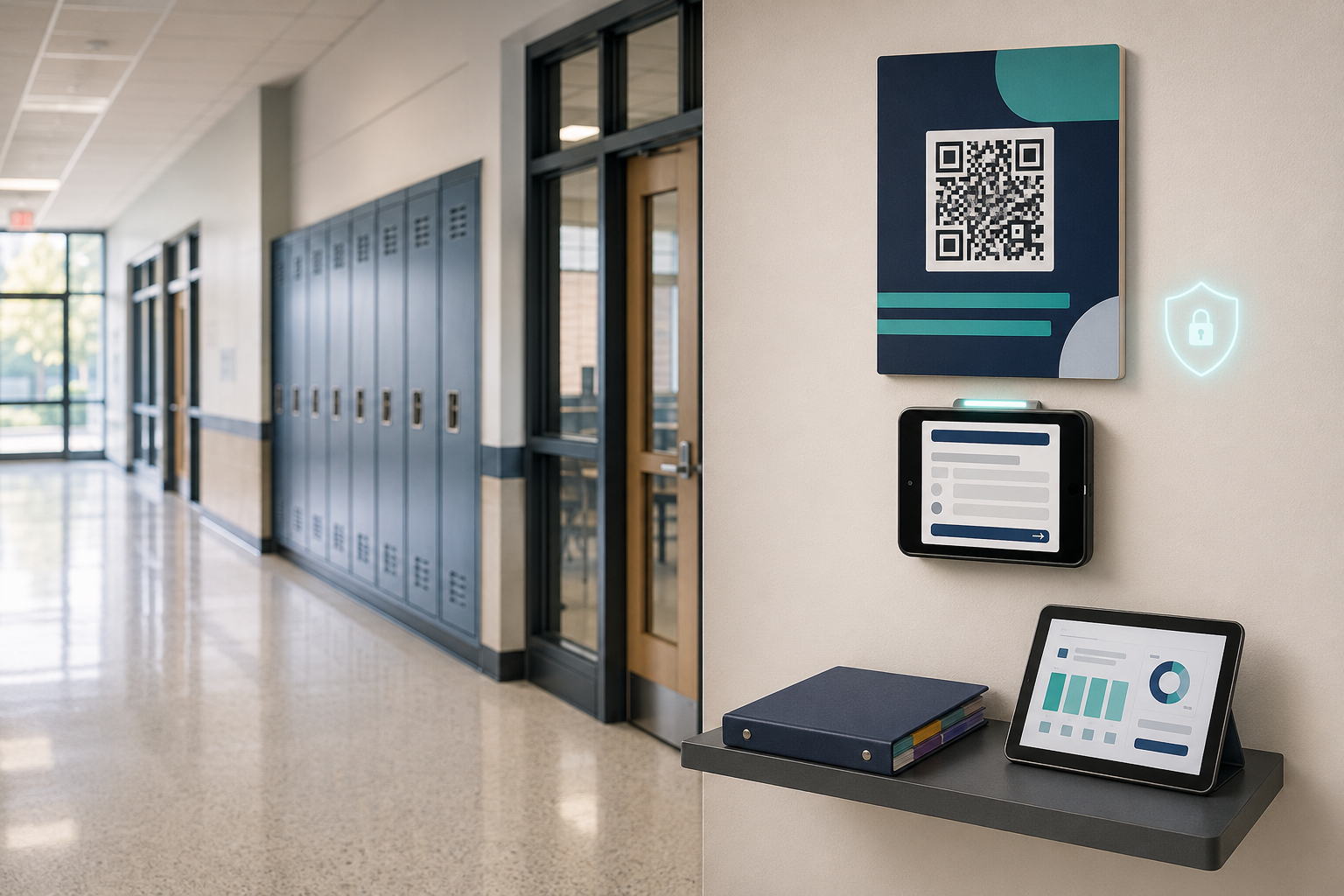
A student who witnesses or experiences bullying is weighing social risk, fear of retaliation, and a deep reluctance to be seen as the one who “told.” They will not navigate a clunky process. And critically, they will not download a school-branded app — but they will scan a QR code in the hallway. That single behavioral truth should shape your entire evaluation. A tool that assumes a student will install software and create an account is a tool that, in practice, students won’t use.
The second thing that makes schools special is the accountability structure. It isn’t enough to handle an incident well; a school board increasingly needs to show it handled the incident well — to insurers, to regulators, and to parents. That’s why the documentation a tool produces matters as much as the reporting it enables. The audit trail isn’t bureaucratic overhead; it’s what protects the board when questions come later.
The Compliance Backdrop
You don’t need a legal treatise to buy software, but you should understand the framework your reporting process sits inside, because it shapes what “good” looks like.
Canadian schools operate under provincial obligations around bullying and harassment — in Ontario, the Accepting Schools Act (Bill 13); in Quebec, anti-bullying obligations under the Loi sur l’instruction publique (An Act to prevent and stop bullying and violence in schools); in British Columbia, the ERASE strategy. SignalitUP helps schools document reports and follow-up actions in a way that can support internal policies, board governance, and applicable provincial safety frameworks.
There’s also a staff-side dimension people forget. Your teachers and staff are employees, which means workplace harassment obligations apply to them too — in Ontario that’s Bill 168 and OHSA, in Quebec Loi 42 and CNESST, in BC WorkSafeBC obligations, plus PIPEDA for privacy. A reporting tool that only thinks about students misses half the picture. SignalitUP is designed to support reporting on both fronts — student-facing bullying frameworks and staff-side workplace harassment obligations alike — though the specific requirements that apply to you depend on your province and board.
The practical implication for your buying decision: look for a tool that serves both students and staff, and that documents in a way aligned with what your province and board expect.
What to Look For: A Buyer’s Checklist
Here’s the framework to take into any vendor conversation. Most of these criteria apply no matter who you buy from — use them to compare honestly.
1. Zero Friction for Students
• Can a student report without downloading an app?
• Can they report without creating an account?
• Is the entry point something students already understand — like scanning a QR code with their own phone?
• Can a report be submitted quickly, in the span of a hallway moment rather than a setup process?
This is the single most important category. If students won’t use it, nothing else matters. SignalitUP’s answer here is its whole design: no app download, no account creation — students scan a QR code and submit. That’s specifically why an anonymous student reporting tool of this kind actually gets used where app-based tools sit idle.
2. Genuine Anonymity
• Does the tool collect names, student emails, or phone numbers — or nothing identifying by default?
• Can staff follow up with a reporter without learning who they are?
• Is anonymity real enough that a frightened student will trust it?
Anonymity is what unlocks reporting for kids who are scared. With SignalitUP, students submit without revealing their identity — no names, no school email addresses, no phone numbers required — and two-way anonymous chat lets staff ask follow-up questions without ever knowing the student’s identity.
3. Documentation That Protects the Board
• Does every report get a timestamp?
• Are follow-ups and resolutions logged?
• Is the record tamper-evident and retrievable later?
• Will it produce the documentation your insurers, regulators, and parents expect?
This is where boards protect themselves. SignalitUP timestamps every signal and logs every response, building a documented audit trail — capturing bullying reports, follow-up actions, and case resolution in a way that can support the record-keeping your board’s policies and provincial frameworks call for.
4. The Right People See the Right Reports
• Can access be role-based, so principals, counsellors, and board administrators each see what’s appropriate?
• Does a serious report alert the right person quickly?
SignalitUP uses role-based access for principals, board administrators, and counsellors to ensure the right person sees the right report at the right time, with real-time alerts so concerns are addressed before they escalate.
5. Data Security and Privacy
• Where is the data hosted?
• Is it encrypted, and is personally identifying information minimized?
For schools handling minors’ information, this is non-negotiable. SignalitUP hosts data in Canada, encrypts it in transit and at rest, and collects no PII by default.
6. Bilingual Capability (Where It Applies)
• If you operate in French or in a bilingual environment, is the French real — or machine-translated?
For Quebec boards and bilingual operations, SignalitUP is fully bilingual EN/FR, with French content written by Quebec writers rather than machine-translated.
7. Realistic Setup
• Can you actually deploy this without a long IT project?
• Does it fit a school’s budget and procurement reality?
A tool you can’t stand up before fall doesn’t help this budget cycle. SignalitUP requires minimal IT involvement and is faster to deploy than traditional app-based systems — and the QR-code workflow works for any age that can use a phone.
Questions Worth Asking Every Vendor
When you get a demo, push on the things that separate marketing from reality:
• “Show me exactly what a student does, start to finish, to file a report. How many steps is it?”
• “What information about the reporter do you collect by default?”
• “If a counsellor needs to ask a follow-up question, how does that work without identifying the student?”
• “What does the record look like a year later if our board needs to produce it?”
• “Who can see reports, and how is that controlled?”
• “How long does setup take, and what does it require from our IT staff?”
• “Is your French content written by francophones or machine-translated?”
The answers will sort the serious options from the ones that look good only in a slide deck.
Common Mistakes Schools Make When Buying
A few avoidable errors show up again and again.
Buying for staff and forgetting students (or vice versa). Your reporting needs run in both directions — students reporting bullying, staff reporting workplace harassment. A tool that only handles one leaves a gap you’ll have to fill later.
Over-indexing on features, under-indexing on adoption. A rich dashboard is useless if students never file anything. Adoption — will kids actually use it? — is the metric that determines whether the rest of the tool ever does anything.
Treating documentation as an afterthought. The record a tool produces is what protects the board when an incident becomes a dispute. If you can’t easily retrieve a timestamped history of what was reported and done, you’re exposed regardless of how well staff handled things.
Underestimating the trust barrier. If students don’t believe a tool is truly anonymous, they won’t use it — no matter what the marketing says. Genuine anonymity, with no identifying information collected, is what earns that trust.
Assuming younger grades can’t be covered. They can. With a QR-code workflow that works for any age that can use a phone, and the ability for staff and parents to submit on a younger student’s behalf, elementary and secondary settings are both covered.
How SignalitUP Fits
Pulling it together: SignalitUP is an anonymous reporting platform designed for schools across Canada to surface bullying, harassment, and misconduct — confidentially, and with a documented audit trail. It empowers students, teachers, and staff to speak up, while giving administrators the kind of documentation insurers, regulators, and parents look for.
The reason it works in a school specifically comes back to that one hallway truth: students won’t download an app, but they’ll scan a QR code. Build the reporting flow around that, add genuine anonymity, role-based access for the adults, timestamped records that can support provincial frameworks, Canadian hosting, and real bilingual content — and you have a tool that fits how schools actually operate, not how a corporate procurement team imagines they do.
Making It Work After You Buy
Choosing the tool is half the job; getting it used is the other half. The good news is that the same design choices that make a QR-based tool easy to buy also make it easy to roll out.
Post the codes where students already are. The entry point is a printed QR code, so placement is the rollout. Hallways, washrooms, locker areas, the cafeteria, counsellor offices — anywhere a student might be standing when they decide to say something. The more visible the code, the lower the barrier at the exact moment it matters.
Tell students plainly that it’s anonymous. Adoption depends on trust, and trust depends on students understanding that no names, school emails, or phone numbers are collected. Say it directly, in language they believe. A tool can be genuinely anonymous and still go unused if kids don’t realize it.
Bring staff in too. Because the same platform supports staff-side reporting, your rollout can cover teachers and staff at the same time — one channel, configured for both audiences, rather than two separate initiatives.
Lean on the fast setup. With minimal IT involvement standing between you and launch, there’s little reason to delay. Sign up, customize the categories for a school context — bullying, cyberbullying, harassment, safety, mental health concerns — print the codes, and post them.
Because it deploys quickly, a board researching in spring can realistically have a working channel in place for the fall, which is exactly the timing most school calendars call for.
The Bottom Line
Buying anonymous reporting software for a school comes down to a sequence of honest questions: Will students actually use it? Will they trust that it’s anonymous? Does it document well enough to protect the board? Does it serve staff as well as students? Can you deploy it in time and within budget? Get those right and you’ve got a tool that does the real job — making it safe and simple to speak up, while building the record that protects everyone when something goes wrong.